
Best Location Tracking Apps for Kids in 2026
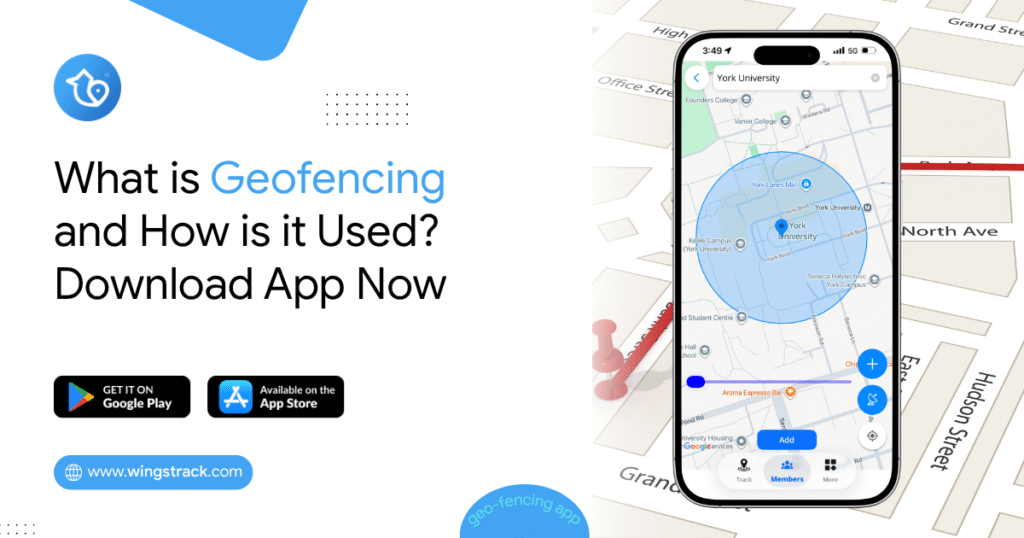
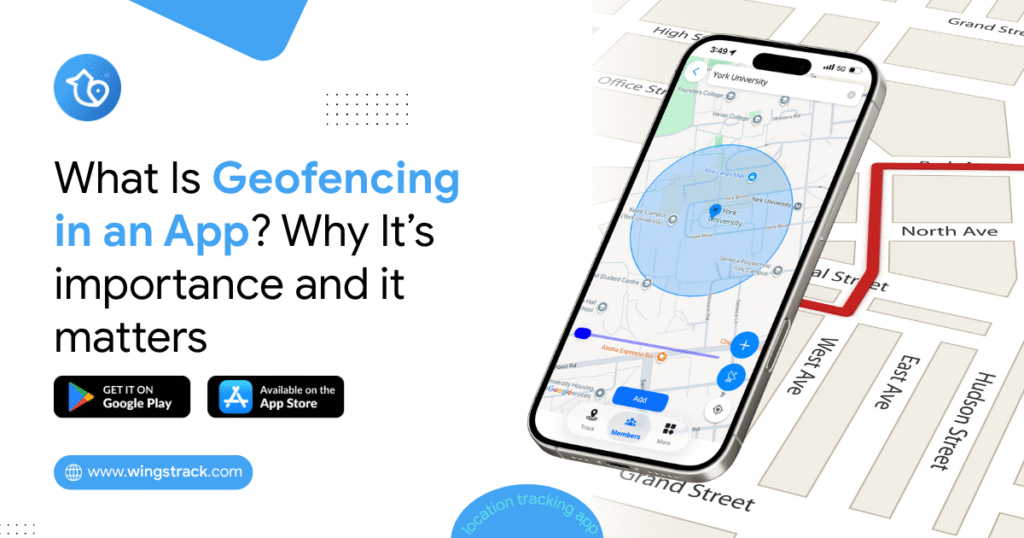
If you’ve ever stood in a crowded parking lot scanning for a kid who wandered off, you already understand why location tracking apps for kids have moved from “nice to have” to “part of the family routine.” Between school commutes, after-school activities, and older kids heading out with friends, parents want a simple way to know everyone got where they were going. This guide walks through what actually matters when choosing a real-time location tracking app in 2026, which features are worth paying for, and how to tell a genuinely useful tool from one that just drains a phone battery. We’ll keep it practical. No fear-mongering, no promises that any app replaces good conversations with your kids. What a Location Tracking App for Kids Actually Does At its core, one of these apps runs quietly on your child’s phone (or on a dedicated GPS device) and reports its position to a parent app. Good ones do more than drop a pin on a map. Most 2026 options bundle several capabilities: Live location and location history: You see where your child is now and where they’ve been over the past day or week. The history piece matters more than people expect, because it answers questions like “did they actually go to practice?” without needing to interrogate anyone. Geofencing and place alerts: You set a zone around home, school, or a grandparent’s house, and the app pings you when your child arrives or leaves. This is the feature most parents rely on daily once they set it up. SOS or check-in buttons: A quick way for a child to signal they need help or confirm they’re safe, usually with a single tap. Battery and connection status: Knowing a phone died at 4pm is very different from thinking your child is ignoring you. Some tools add driving reports for teens, screen-time visibility, or crash detection. Whether you need those depends heavily on your child’s age. Why a Real-Time Location Tracking App Matters More Than a Basic Locator There’s a meaningful gap between an app that updates every few minutes and one that updates continuously. For a younger child walking home, a five-minute delay might mean a two-block difference in position, which is enough to matter if something feels off. A real-time location tracking app closes that gap by refreshing location frequently and pushing alerts the moment a geofence is crossed. Real-time performance is also the feature most likely to be oversold. Nearly every app claims it. Fewer deliver it consistently, because true real-time tracking is a trade-off against battery life. An app that pings GPS every few seconds will flatten a phone by early afternoon. The better-engineered apps adjust update frequency intelligently: frequent updates while a child is moving, relaxed updates while they’re sitting in a classroom. When you evaluate options, treat “real-time” as a claim to verify during a trial, not a spec sheet you take at face value. Watch how the map behaves when your child is actually walking around, and check what it does to their battery over a full school day. Comparing the Main Types of Tracking Tools Not every family needs the same category of product. Broadly, your choices fall into three buckets. Type Best for Trade-offs App on child’s phone Kids who already carry a smartphone (usually 10+) Depends on the child keeping the phone charged and not disabling it Dedicated GPS device Younger kids without phones Extra hardware, separate charging, monthly fee Wearable (watch-style) Ages roughly 5 to 10 Limited range of features, smaller battery Phone-based apps are the most common because they piggyback on hardware you already own. Dedicated devices and wearables make more sense for children too young for a phone, or when you want a tracker that can’t be casually switched off. A watch that also makes calls, for instance, gives a young child a lifeline without handing them a full smartphone and everything that comes with it. What Separates the Best Real Time Location Tracking App From the Rest Once you’ve narrowed down the category, the differences between products come down to reliability and honesty. The best real time location tracking app tends to share a few traits that marketing pages rarely highlight. Location accuracy in dense areas: Tracking works fine in open spaces. The real test is a shopping mall, a multi-story school, or a downtown block where GPS signals bounce. Apps that blend GPS with Wi-Fi and cellular data hold up better indoors. Alert reliability, not just alert quantity: An alert that arrives ten minutes late is worse than no alert, because it teaches you to distrust the system. Consistency beats volume. Battery discipline: As mentioned, this is the quiet dealbreaker. If tracking kills the phone, kids stop charging it, and the whole system falls apart. Clear privacy handling: You’re sharing your child’s whereabouts with a company. How that data is stored, who can access it, and how long it’s retained should be easy to find, not buried in a policy nobody reads. Pro tip: Before committing to any paid plan, run the app on your own phone for a week alongside your child’s. Comparing two devices side by side is the fastest way to catch inconsistent updates, lagging maps, or phantom alerts that a single-device trial would hide. The Practical Problems Nobody Warns You About Choosing an app is the easy part. Living with it day to day surfaces friction that’s worth anticipating. The most common is the charging problem. Location tracking is only as good as the battery behind it. Families that succeed with these tools build a simple habit, like charging on the kitchen counter overnight, rather than relying on the child to remember. If an app is heavy on battery, that habit becomes a nightly argument. The second is the trust conversation. Tracking a six-year-old is uncontroversial. Tracking a fifteen-year-old is a relationship decision, not just a technical one. Older kids often figure out how to disable or spoof location, and when they do, it’s