Featurs

best location tracking app
Family Tracking App, Featurs

Best Tracking Location App

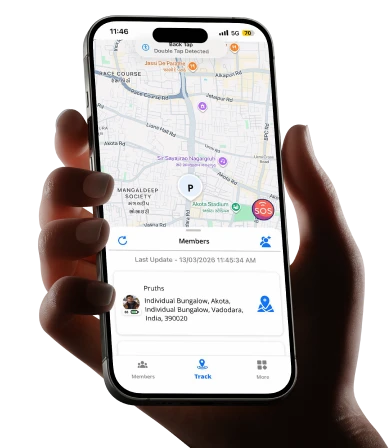
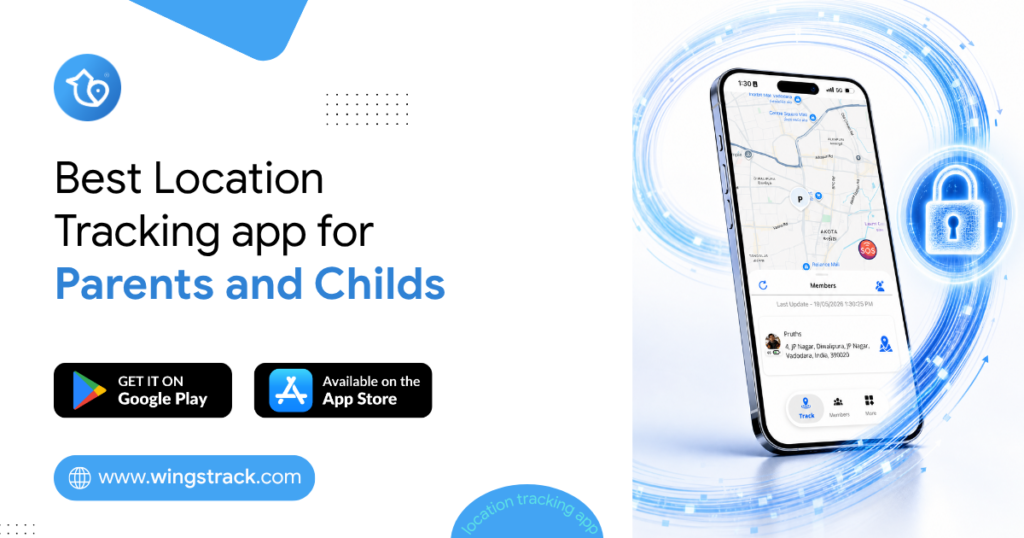
Your teenager was supposed to be home an hour ago. You’ve called twice. No answer. Your mind races through every possibility while you stare at the front door. Most parents know this feeling. And it’s exactly why location tracking apps have moved from a nice-to-have to something families genuinely rely on. The best location tracking app doesn’t spy on your kids or replace trust. It gives you a calm way to know everyone got where they were going, safely. This guide walks you through what actually matters when choosing one, which apps are worth your time, and how to pick the right fit for your family. What a Family Location App Really Does Before comparing options, it helps to understand what these tools are built for. At their core, they share real-time location between family members who’ve agreed to it. Parents see where children are. Adult children can check on aging parents. Partners can coordinate pickups without a dozen texts. Good apps go beyond a dot on a map. Many now include: Location history and timelines, so you can see where someone traveled during the day rather than only their current spot. This is useful when a child forgets to check in after school. Safe zone alerts, which notify you automatically when a family member arrives at or leaves a set place like home, school, or a grandparent’s house. SOS or panic features, letting a family member send an instant alert with their location if they feel unsafe. Battery and phone status, so you know whether someone’s phone died or they’re simply not responding. The point isn’t surveillance. It’s shared awareness that reduces the small daily worries every family carries. Why the Best Location Tracking App Matters for Busy Families Coordinating a household is harder than it looks. Multiple schedules, different destinations, elderly relatives who may need help, and kids old enough to move around on their own but young enough to still worry about. A reliable app cuts down the mental load. Instead of texting “where are you?” every twenty minutes, you glance at your phone and get an answer. That’s the real value. It’s not about control. It’s about spending less energy tracking logistics in your head. Consider a household with two working parents, a teen who takes public transport, and a grandparent living nearby. On any given afternoon, three people are moving in three directions. A shared family map turns that chaos into a single, calm view. There’s a trade-off worth naming, though. These apps only work when everyone participates honestly and understands why it’s being used. A family locator app used without an open conversation can feel invasive to a teenager. Used with agreement, it becomes a tool everyone benefits from. Pro Tip: Before installing anything, have a short, honest talk with older kids about what the app shares and what it doesn’t. Framing it as mutual safety, where they can see you too, tends to lower resistance far more than presenting it as a rule. Best Location Tracking Apps Worth Considering Here are options families commonly turn to, along with who each one tends to suit. Availability and features change over time, so confirm the current details before you commit. Wings Track Built with families in mind, Wings Track focuses on straightforward, reliable location sharing without overwhelming you with clutter. It suits parents who want real-time location, movement history, and simple alerts in one place, along with an interface that older relatives can actually use without help. If you want a family locator that keeps setup simple and puts everyday safety first, this is the one to start with. Life360 One of the more widely known family locator apps. It offers location sharing, place alerts, and driving-related features in its paid tiers. It suits larger families comfortable with a feature-heavy app, though some users find the free version limited. Google Maps Location Sharing Free and already on most phones. You can share your live location with specific people for a set time or indefinitely. It’s a solid starting point for families who want basic sharing without installing anything new, but it lacks safe-zone alerts and dedicated family features. Apple Find My For all-Apple households, this is built in and reliable. It shares location between Apple devices and works well for locating family members and lost devices. The obvious limit is that it doesn’t help if anyone in the family uses Android. The right pick depends less on which app is objectively “best” and more on which matches your family’s phones, ages, and how much you actually need. Comparing the Options at a Glance App Best For Cross-Platform Standout Strength Wings Track Families wanting simple, focused tracking Yes Easy setup and clean interface Life360 Larger, feature-loving families Yes Broad feature set Google Maps Basic, free live sharing Yes Already installed Apple Find My All-Apple households No Built in, no extra app Use this as a shortlist, not a final verdict. A family with mixed phones has different needs than one fully on iPhones. How to Choose the Right Family Locator App for Your Home Rather than chasing the longest feature list, work backward from what your family actually deals with day to day. Start with your phones. If everyone uses iPhones, a built-in option may be enough. Mixed households almost always need a cross-platform app that treats Android and iPhone equally. Then think about who’s using it. A young child, a self-conscious teenager, and an elderly parent all interact with technology differently. An app that a grandparent can’t figure out won’t get used, which defeats the purpose. Simplicity often beats power here. Consider what problem you’re really solving: Daily coordination, where you mainly want to reduce check-in texts and know when kids reach school or home safely. Peace of mind for elderly relatives, where automatic arrival alerts and an easy SOS button matter more than driving reports or detailed history. Safety in specific situations, like a teen traveling alone at night, where real-time accuracy and

Geofencing in an App
Featurs

What is geofencing and how is it used?

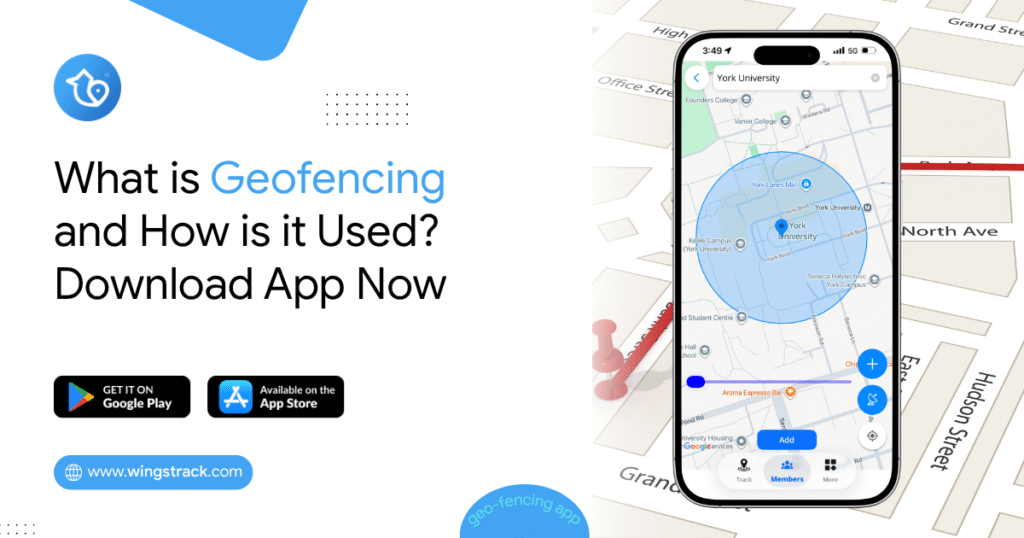
Where’s your teenager right now? If you can’t answer that in under ten seconds, you’re not alone. Millions of Indian parents ask themselves this question every single day, and most don’t have a real answer. That’s exactly why the geofencing app market is booming in India. A good geofencing application does one simple thing: it tells you when your child enters or leaves a place you’ve marked as safe, like home, school, or a relative’s house. No guessing. No worried phone calls. Just a quiet notification on your screen. In this guide, we’ll break down what geofencing actually means, whether it’s legal in India, how apps like Wings Track use it, and how you can download a geofencing app today, some even for free. By the end, you’ll know exactly what to look for and why this small feature can make a big difference in your family’s daily life. What Is a Geofencing Application? A geofencing application uses your phone’s GPS to draw an invisible boundary around a physical location. Think of it like a digital fence. The moment someone crosses that fence, whether entering or leaving, the app sends an alert. Here’s a simple example. Priya, a mother in Pune, set a geofence around her son’s school. Every school day at 3:15 PM, she gets a notification the moment he steps out of the gate. She doesn’t need to call him or wait by the window. She just knows. This isn’t complicated technology. Your phone already uses GPS for maps and weather updates. Geofencing just adds a smart trigger on top of that location data. Most modern geofencing apps let you: Set multiple zones (home, school, grandparents’ house, tuition center) Get instant push notifications for entry and exit Track movement history for the day Set custom alerts for odd hours or unfamiliar areas Pro Tip: Don’t just set a geofence around your child’s school. Add one around your own workplace too. That way, if your child ever needs to reach you, the app can show them (or you) exactly how far apart you are. Is Geofencing Legal in India? Yes, geofencing is legal in India, with one big condition: consent matters. Under India’s Digital Personal Data Protection Act, 2023, location tracking is allowed when there’s a legitimate purpose and, where applicable, informed consent. For parents tracking minor children, courts and legal experts widely recognize this as reasonable parental oversight, similar to knowing which school bus your child rides. The gray area shows up with adults. Tracking a spouse or another adult without their knowledge can raise privacy concerns and, in some cases, legal issues. The rule of thumb is straightforward: if the person being tracked is a minor in your care, you’re on solid ground. If they’re an adult, get their consent first. Real-world example: A Bengaluru-based school introduced geofenced school buses in 2023. Parents received alerts when the bus entered a two-kilometer radius of their stop. The school informed every parent in writing and got signed consent forms. That’s the transparent approach that keeps geofencing both effective and legally sound. How Wings Track Uses Geofencing Features Wings Track builds its safety features around one idea: parents shouldn’t have to guess. Here’s how the geofencing works inside the app. Feature What It Does Safe Zone Alerts Notifies you when your child arrives or leaves school, home, or tuition Route Deviation Alert Flags if your child’s regular route suddenly changes Time-Based Zones Sends alerts only during specific hours, like school time Multi-Zone Setup Lets you mark up to several locations at once Is There a Free Geofencing App? Yes. Several geofencing apps, including Wings Track, offer free versions with core safe zone alerts. Paid tiers usually unlock extras like unlimited zones, longer location history, or multiple child profiles. Parenting Checklist for Choosing a Geofencing App Does it offer real-time alerts, not delayed ones? Can you set more than one safe zone for free? Is the app battery-friendly (won’t drain your child’s phone)? Does it clearly explain data privacy and storage? Is customer support available if something breaks? Can you try it before committing to a paid plan? Pro Tip: Test any free geofencing app for at least a week before upgrading. Battery drain and alert accuracy vary more than most reviews mention. Can You Geofence a Phone? Yes, and it’s simpler than most parents expect. As long as the phone has GPS and an active internet or data connection, you can geofence it through an app like Wings Track. You just install the app on the child’s device, set your zones from your own phone, and the system does the rest. Android One Chennai father, Rajesh, geofenced his daughter’s first smartphone the day he handed it to her. “It wasn’t about spying,” he said. “It was about knowing she got to her friend’s birthday party safely, without me calling five times.” Before you download a geofencing app for Android and IOS, confirm three things: it works well on Indian networks (not just Wi-Fi), it respects data privacy laws, and it’s easy enough for grandparents to use too, since they’re often the ones checking on kids after school. FAQ What is geofencing in an app, in simple terms? Geofencing marks a virtual boundary around a real location using GPS. When your child’s phone enters or exits that boundary, the app sends you an instant alert. It’s like a digital tripwire for safety, not constant surveillance, just notifications when it matters. Is geofencing legal in India for parents tracking children? Yes. Parents tracking minor children for safety purposes is widely accepted under Indian law, especially with the Digital Personal Data Protection Act, 2023, in place. Tracking adults without consent is where legal and ethical lines get blurry, so always be transparent. What is the use of geofencing features in Wings Track specifically? Wings Track uses geofencing to alert parents about safe zone entry and exit, route changes, and time-based movement, all without needing constant phone calls or check-ins. It builds trust