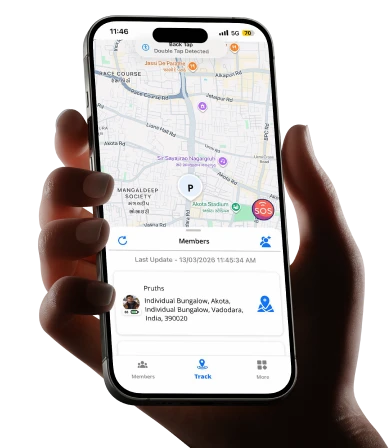
What actually matters when you’re picking a tool to keep tabs on the people you’d do anything to protect.
Introduction: The Mobile-First Reality of Modern Parenting
A father in Bangalore hands his ten-year-old daughter a phone for the first time not as a toy, but as a tool because she’s started taking the school bus alone,, and he wants a way to reach her if something goes wrong. Three days later, he realizes the phone gave him a new problem instead of solving the old one: he has no way to actually know where she is. The phone exists. Calling and texting works. But the specific anxiety he was trying to address is she safe right now, this minute? “The first time correctly is what remains completely unanswered by a device that can ring but can’t show him a location.
This is the gap that a child tracking app for mobile is built to close, and it’s a gap millions of parents discover only after the phone is already in their child’s pocket.
The mobile-first nature of this need matters. Parents aren’t looking for a desktop dashboard they check once a day from a computer. They’re looking for something that lives on the same device they’re already carrying their own phone,that shows them, in the moment that matters, where their child actually is. A notification while making dinner. A glance during a work meeting. A quick check before bed.
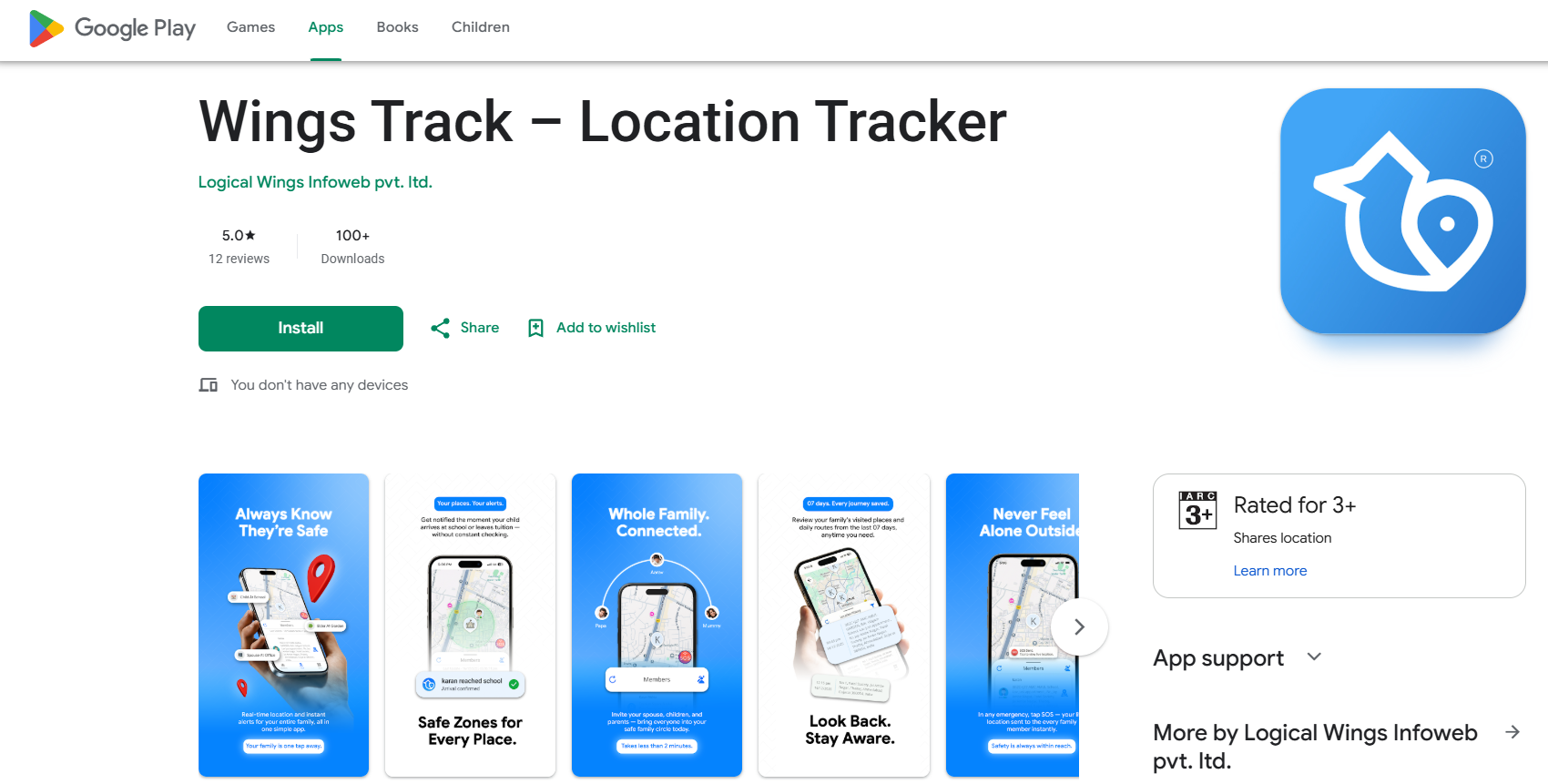
5 Key Takeaways About Family Locator Apps for Mobile Use
Mobile-first means the app has to work for the parent’s daily life, not just the child’s device.
A child tracking app is only as useful as the parent’s ability to glance at a notification on their own phone, in the middle of a normal day, without opening a separate dashboard or logging into a website. If checking your child’s location requires more than a few taps, you’ll stop checking — and the tool becomes useless exactly when it matters.
Real-time update frequency is the single most important technical factor.
Many apps marketed as “live tracking” actually update every ten to fifteen minutes on their free tier. That delay matters enormously if your child is walking home and something feels off. Genuine real-time tracking updates every thirty to sixty seconds during movement — test this specifically before trusting any app with your child’s daily safety.
Battery impact on your child’s phone determines whether the app actually works when you need it.
An app that drains a child’s phone to critical levels by mid-afternoon creates a new safety problem: a dead phone means no location and no way to call for help. Well-built apps use motion-based polling that reduces GPS frequency when a device is stationary, keeping battery drain manageable throughout a full school day.
Cross-platform compatibility decides whether the whole family is actually covered.
If your child has an Android phone and you have an iPhone — or vice versa — Apple’s native tools simply can’t include them. This single factor eliminates more “best app” recommendations than any feature comparison, because most families include at least one mismatched device pair.
The conversation before installation matters more than any feature in the app.
Children and teenagers who know they’re being tracked, understand why, and ideally have mutual visibility into a parent’s location too, accept the arrangement with far less resistance than those who discover covert monitoring. Wings Track and most well-designed tools work best within transparent, consent-based family arrangements — not secret surveillance.
What Is the Best Child Location Tracking App?
The honest answer requires breaking the question into the specific factors that actually determine whether an app works for your family, rather than chasing a single universal winner.
Accuracy and update speed come first.
A child tracking app for mobile is only as good as how current the information is. If your son left school ten minutes ago and the app still shows him on campus, you’re making decisions on outdated data during exactly the window when current information matters most.
Cross-platform reliability comes second.
The best app for your family is one that performs equally well regardless of whether your child has an iPhone or Android device — not one that’s excellent on one platform and merely adequate on the other.
Honest free functionality comes third.
Many apps market themselves as free while restricting the features that make location tracking actually useful, real-time updates, arrival alerts, multi-device circles to paid subscriptions. The best app for most families delivers genuine core safety functions without a financial barrier between you and basic peace of mind.
Battery efficiency comes fourth, and it’s underrated.
A technically accurate app that kills your child’s battery by 2 PM has solved one problem by creating another. -Wings Track is built around all four of these factors as core design requirements rather than afterthoughts: real-time updates without a paywall, equal performance whether your child carries an iPhone or Android device, a free tier that includes the features families actually depend on daily, and battery management that keeps the app running reliably through a full day without draining your child’s phone before they’ve even gotten home.
For families specifically prioritizing one factor over the others — driving behavior monitoring for a new teen driver, for instance — a different tool might be the better fit. But for the general case of mobile, real-time, cross-platform child location tracking, Wings Track addresses the combination of needs most families actually have.
Wings Track vs. Apple Find My Kids: Side-by-Side Comparison
| Feature | Wings Track | Apple Find My (Kids) |
|---|---|---|
| Device compatibility | ✅ iOS and Android, full parity | ❌ Apple devices only |
| Real-time location updates (free) | ✅ Included | ✅ Included (within Apple ecosystem) |
| Setup requirement | App download + family circle invite | Requires Apple ID and Family Sharing setup |
| Works if child has Android phone | ✅ Yes, full functionality | ❌ Not possible — architectural limitation |
| Arrival / departure alerts | ✅ Free tier included | ✅ Included via Significant Locations |
| Location history | ✅ Included in free tier | ⚠️ Limited — primarily current and recent location |
| Battery impact | ✅ Optimized, motion-based polling | ✅ Efficient — OS-level integration |
| International / cross-border tracking | ✅ Full function across borders | ✅ Works internationally with data/Wi-Fi |
| Cost | Free for core features | Free (built into iOS) |
| Mixed-device family support | ✅ Full — any combination of devices | ❌ None — single ecosystem only |
| Best suited for | Mixed-device families, Android children, cross-platform households | All-Apple families with no Android devices anywhere in the circle |
The practical takeaway: if every device in your family yours and your child’s is an iPhone, Apple’s Find My is a genuinely excellent, free, native option with no reason to add a third-party app. The moment your child has an Android device, or you do, Find My is no longer a complete option regardless of how well it performs within its own ecosystem. Wings Track exists specifically to cover that gap without asking anyone to change devices.
How to Choose the Right Child Safety App
Choosing correctly starts with separating your actual concern from a general sense of wanting “more safety,” which is too vague to guide a useful decision.
1) Name your specific worry.
Is it that your child walks somewhere alone and you want to know they arrived? Is it about screen content rather than physical location? Is it about a new teenage driver? Each of these points to a different category of app, and a location tracker won’t address a screen-content concern any more than a content filter will tell you where your child physically is.
2) Match your child’s age to the appropriate level of oversight.
Younger children, , generally under eleven or twelve, accept location sharing with little resistance when it’s explained simply: “this helps me know you’re safe.” Teenagers respond far better to mutual arrangements where they can see your location too, transforming the dynamic from one-directional monitoring into shared family awareness.
3) Test the app against your family’s actual devices before committing.
Install it on your phone and your child’s phone. Walk a known route together. Confirm the location updates at a frequency that’s actually useful, that arrival alerts fire reliably, and that battery drain on your child’s device stays within a reasonable range across a normal day.
4) Read the privacy policy specifically for data-sharing language.
Several major apps in this category have documented histories of selling location data to third-party brokers. Look explicitly for language confirming that your family’s location data isn’t sold or shared with advertisers vague language here is itself a signal worth taking seriously.
5) Have the conversation before you finalize the installation.
A child who understands why the app exists and has had some say in the arrangement engages with it differently than one who discovers it was installed in secret. This step isn’t optional homework — it’s the single biggest factor in whether the app you choose actually gets used long-term.
How Can I Track My Son’s Location on Mobile?
The practical process, once you’ve decided on a tool, is straightforward:
If your son has an iPhone and you use Find My:
Add him to your Apple Family Sharing group through Settings, confirm he accepts location sharing within the Find My app, and his location will appear continuously on your device. Set up alerts for specific locations — his school, your home — through the app’s location notification settings.
If your son has an Android device, or your family includes mixed devices:
Download Wings Track on both his phone and yours. Create a family circle from your account and send him an invitation — a link or code he accepts on his own device. Once accepted, his location appears on your phone in real time, with arrival and departure alerts available for any saved address you’ve configured.
Either way, set up geofence alerts for the places that matter most:
His school, home, and a regular activity location. This converts passive location data into active, useful notifications — you’ll know the moment he arrives or leaves, without needing to actively check the app throughout the day.
Have the conversation first, regardless of his age.
Even with younger children, a brief explanation, “This app helps me know you got to school safely, so I don’t have to keep texting you,” produces a far smoother and more durable arrangement than installing anything without telling him.
Conclusion: Choosing the Right Mobile Tracking Tool Starts With Clarity, Not Urgency
Choosing the right tool comes down to clarity about your actual concern, honesty about your family’s mix of devices, and a willingness to test an app against your real daily routine before trusting it with something as important as knowing where your child is. Wings Track is built specifically to meet this need — real-time accuracy, genuine free functionality, and equal performance whether your child carries an iPhone or an Android device.
Download family tracking app access through Wings Track today, and put a reliable child tracking app for mobile to work for your family before the next school bus ride, the next solo walk to a friend’s house, or the next evening where “Where are you?”when deserves an answer faster than a text message can provide. The peace of mind you’re looking for is one setup away.