The school pickup line is where I first understood the problem. A parent two cars ahead of me was on the phone, half-panicked, because her ten-year-old wasn’t at the gate and wasn’t answering his smartwatch. Turned out he’d wandered to a friend’s house three streets over. Everything was fine. But those eight minutes of not knowing? That’s the gap most parents are trying to close in 2026.
What a Child Locator App Actually Does (Beyond the Dot on a Map)
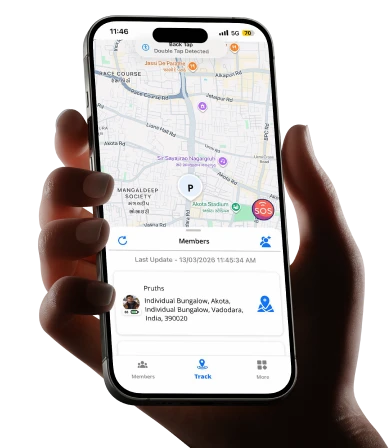
Let’s clear up a common misconception first. A child locator app isn’t just live GPS with your kid represented as a moving dot. That’s the entry-level version, and honestly, a bare map creates more anxiety than it solves. Staring at a stationary blip doesn’t tell you whether your daughter is stuck in traffic or sitting in a stranger’s car.
The tools worth your attention in 2026 do three things well:
- Geofencing with smart alerts that ping you when your child arrives at school, leaves tuition, or steps outside a boundary you’ve set, so you’re not the one who has to keep checking.
- Location history you can scroll back through, which matters more than people expect. If a routine breaks, you can see when and where it happened instead of guessing.
- SOS and two-way communication, letting a child trigger an alert or send a quick message during the exact moments a phone call feels impossible.
- Location history you can scroll back through, which matters more than people expect. If a routine breaks, you can see when and where it happened instead of guessing.
The shift over the past couple of years has been from surveillance to reassurance. Older apps felt like you were spying. Newer ones are built so the child knows it’s on, understands why, and can use it too. That difference changes how the whole family feels about it.
Why a Child Locator App Fits Modern Parenting Routines
Think about a typical weekday for a family with two working parents. Nobody’s home to physically watch a kid walk in the door at 3:40. Grandparents might handle pickup one day, a carpool the next, an after-school class on Thursdays. The moving parts multiply fast, and coordination usually happens through frantic group texts.
This is the practical reason these apps have moved from “nice to have” to something a lot of families quietly rely on. A single arrival notification replaces three “did he reach?” messages. When plans change, you find out through the app instead of finding out too late.
There’s a real trade-off worth being honest about, though. Constant tracking can tip into control, and kids feel that. Research and plenty of parenting voices point to the same thing: trust erodes when monitoring feels one-sided. The families who get the most out of these tools treat location sharing as a shared agreement, not a leash. Older kids especially respond better when they can see your location too. It stops being surveillance and starts being how the household stays connected.
Picking a Parenting App in India That Actually Suits You
Choosing a parenting app in India comes with its own realities. Network coverage varies wildly between a metro and a smaller town. Battery drain matters when your kid forgets to charge a phone. And data privacy is a genuine concern, because you’re handing over your child’s real-time location to a company.
Here’s a practical way to compare what’s out there without getting lost in feature lists.
| What to Check | Why It Matters | Question to Ask |
|---|---|---|
| Battery impact | A tracker that kills a phone by noon is useless | How often does it ping location, and can you adjust it? |
| Offline behaviour | Coverage gaps are common outside cities | Does it store the last known location when signal drops? |
| Data handling | You’re sharing sensitive info | Where is data stored, and who can access it? |
| Device flexibility | Not every kid carries a smartphone | Does it work with basic phones or a dedicated tracker? |
| Family sharing | One-sided tracking breeds resentment | Can the child see parent locations too? |
A few names parents in India tend to encounter: Life360 is the widely recognised international option, strong on family circles and driving reports, though some features sit behind a subscription. Google Wings Track is solid and free if your main concern is screen time and basic location for Android users, but it’s built more around app management than precise tracking. Find My Device covers the basics if you’re already in the Google ecosystem, but it’s minimal.
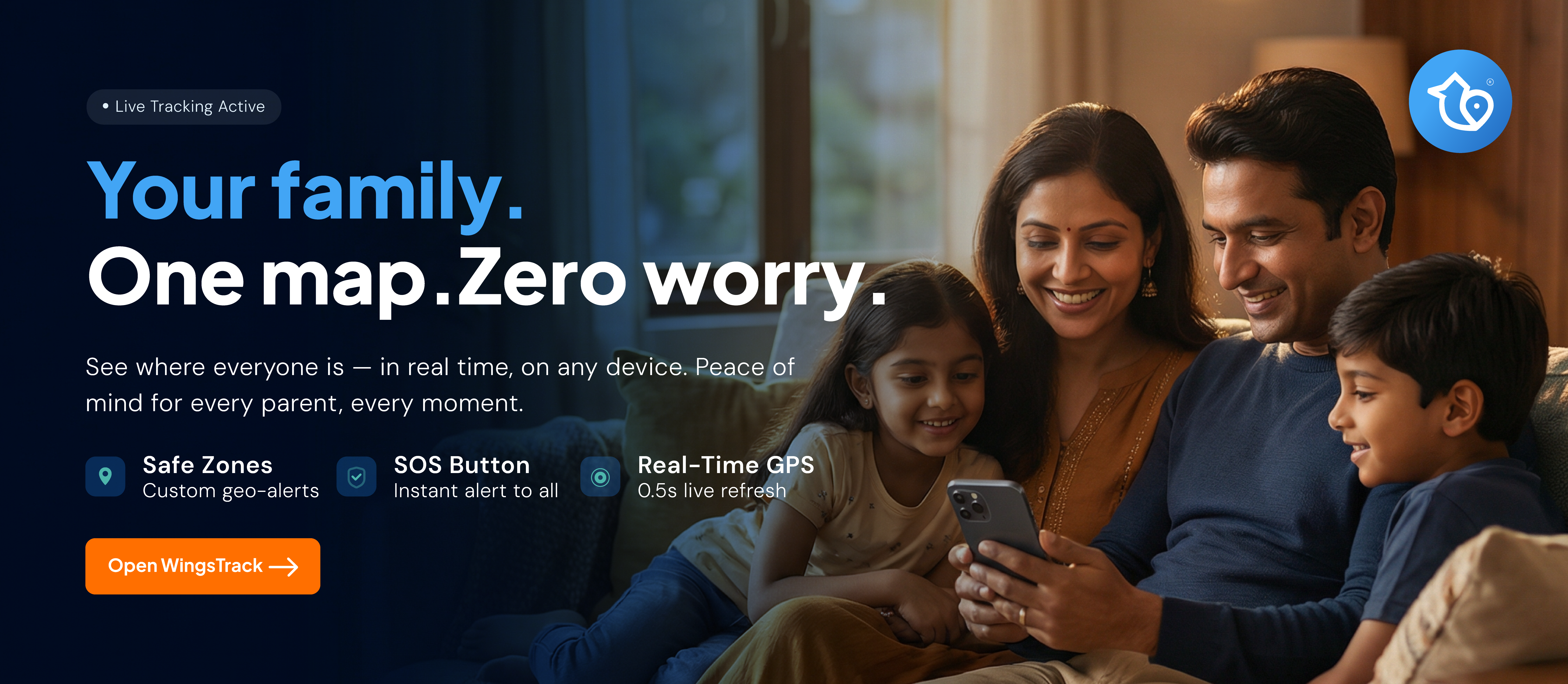
For families who want tracking built around local conditions, Wings Track focuses on reliable location monitoring suited to Indian usage patterns, including support for dedicated GPS devices rather than relying only on a child’s smartphone. That last part matters for younger kids who don’t own a phone yet, where a small wearable tracker often makes more sense than expecting a device they don’t have.
The honest answer to “which one” is that it depends on your child’s age and whether they carry a phone at all. A teenager with an Android phone and a free app might be perfectly covered. A seven-year-old who walks to school is a completely different situation, and that’s usually where a dedicated tracker earns its place.
Making It Work Without Turning Into a Helicopter
The technology is the easy part. The parenting around it is what determines whether this helps or backfires.
Start with a conversation, not an installation. Tell your child what the app does and, just as importantly, what it doesn’t. It doesn’t read their messages or listen to them. It shows location, and it exists so nobody has to worry unnecessarily. Kids accept a lot when they understand the reasoning.
Match the level of oversight to their age. A young child needs full-time location and geofences. A fifteen-year-old needs far less, maybe just an arrival alert for late nights out. Loosening the reins as they grow is part of the deal, and telling them that upfront builds the trust you’ll want later.
And resist the urge to weaponise it. The fastest way to make a teenager resent a tracker is to call the second they deviate from the expected route. Let the tool do quiet reassurance in the background. Save the conversations for when something genuinely looks off.
Where This Is Heading
By 2026, location tracking for families has stopped being a niche gadget purchase and become a normal part of how households coordinate. The better products know this, which is why the design has moved toward mutual sharing and lighter-touch alerts rather than heavy monitoring.
If you’re weighing whether to set one up, the real question isn’t whether the technology works. It does. It’s whether you’ll use it as a safety net or as a rope. The families who treat it as the former tend to find it fades into the background of daily life, doing its job without anyone thinking much about it. Which, when it comes to your kid’s safety, is exactly the point.
Frequently Asked Questions
There’s no fixed rule, but many parents begin around the age a child starts moving independently, such as walking to school or attending activities without an adult. For younger kids without phones, a dedicated GPS tracker is usually more practical than a phone-based app
It depends on how often the app checks location. Frequent pinging uses more battery. Most good apps let you adjust the update interval, so you can balance accuracy against battery life based on your child’s daily routine.
Tracking your own minor child is legal in India. The ethical part comes down to transparency. Telling your child what the app does and involving them in the setup makes it a shared safety measure rather than secret surveillance.
Better apps store the last known location and update it once signal returns. This matters in areas with patchy coverage, so check whether an app handles offline gaps before relying on it fully.